FDD
Frequency Domain Decomposition — singular-value decomposition of the cross-spectral matrix.
Brincker · Zhang · Andersen Modal Master
Operational Modal Analysis
Modal Master
Operational Modal Analysis

Modal Master for Windows
Identify frequencies, damping ratios, and mode shapes from measured vibration data. Prepare signals, compare FDD and SSI results, review diagnostics, and produce engineering reports in one desktop application.
Use frequency-domain decomposition (FDD) and stochastic subspace identification (SSI) to estimate modal parameters. Review candidates before adding them to the identified mode set used by visualization and reporting.
Frequency Domain Decomposition — singular-value decomposition of the cross-spectral matrix.
Brincker · Zhang · AndersenEnhanced FDD — spectral-bell isolation and correlation decay for frequency and damping estimates.
Brincker · VenturaFrequency-Spatial Domain Decomposition — spatial filtering for modal identification.
Zhang et al.Curve-fit FDD — single-degree-of-freedom fitting for damping estimation.
Jacobsen · AndersenGuided peak selection using modal coherence scores.
Modal-coherence criterionCovariance-driven SSI with stabilization diagrams.
Van Overschee · De MoorData-driven SSI using orthogonal projection.
Peeters · De RoeckSSI with conditional frequency and damping uncertainty estimates.
Method family — Döhler · MevelInspect signal quality, apply conditioning, and review spectra before identification.
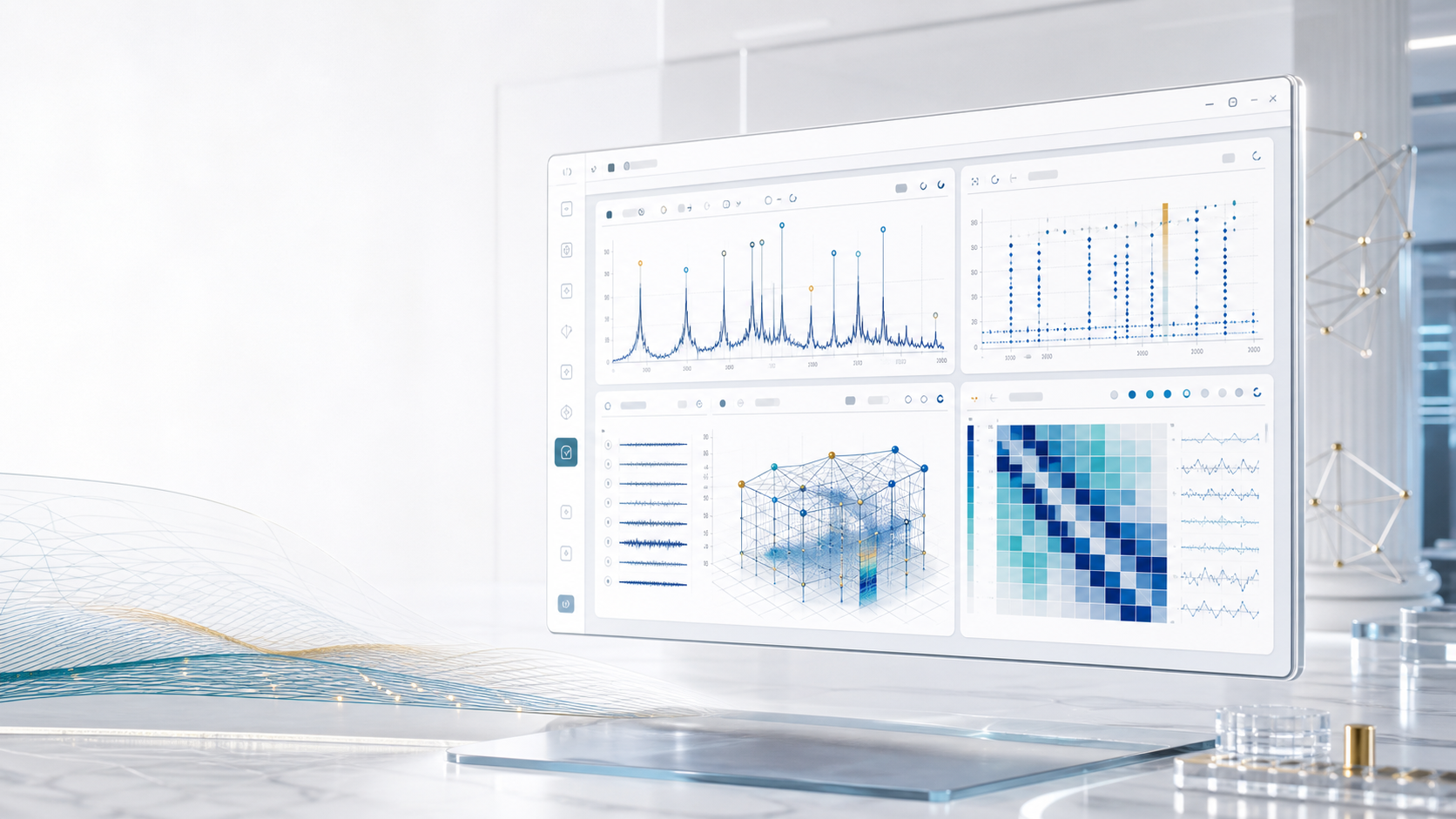
Deep Estimate runs an iterative identification workflow, adjusts eligible methods and settings, and records the resulting decisions. It is a paid Pro add-on and is included in Ultimate.
Review the diagnostics, acceptance checks, and retained or reverted actions in the decision log. How Deep Estimate works →
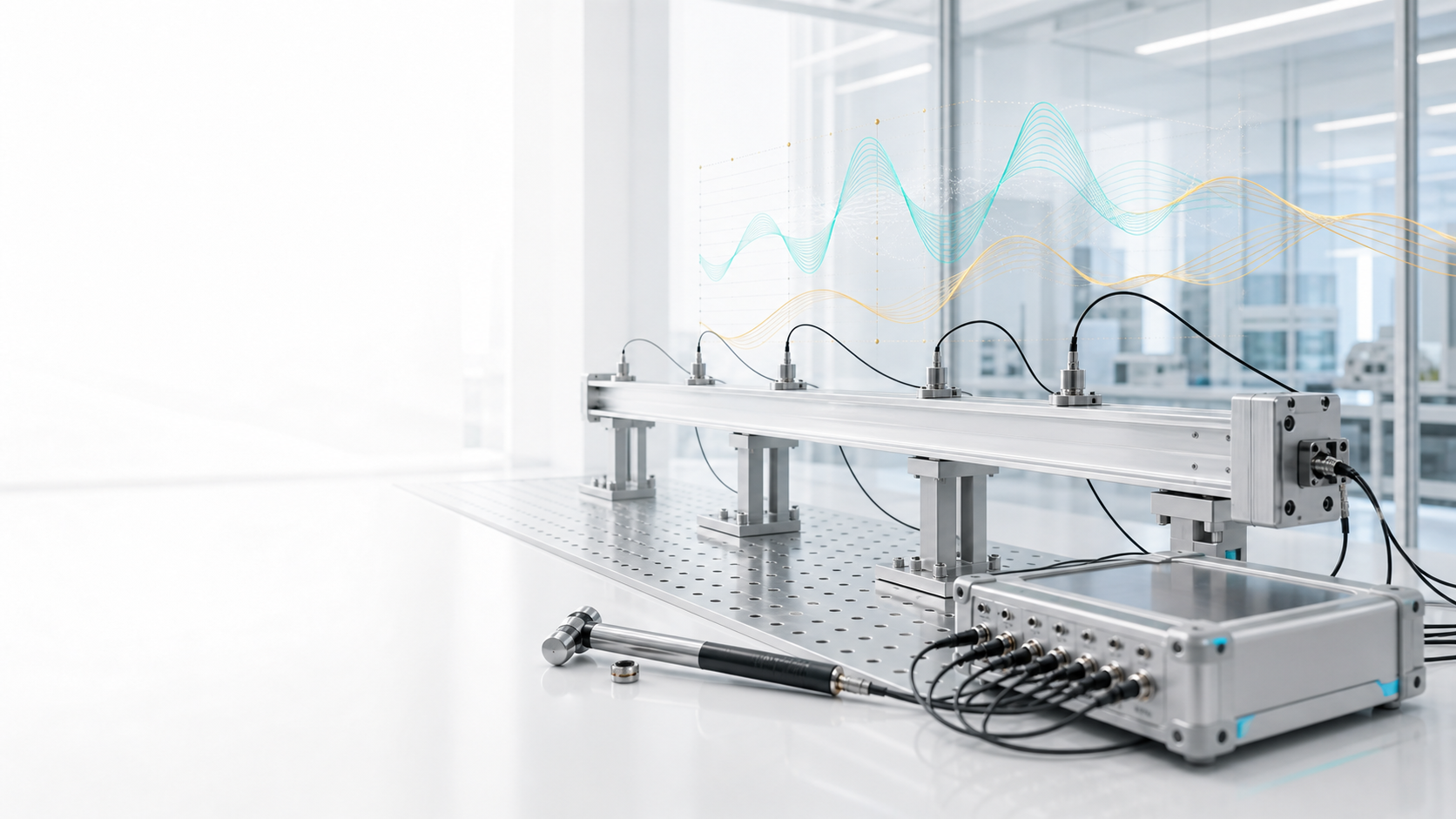
SSI-UPCX reports conditional frequency and damping uncertainty from sensitivity propagation under a fixed-observability residual model. Full SSI sampling coverage is not established, and these estimates do not establish that a mode is physical.

Included in Core, Pro, and Ultimate. Review horizontal-to-vertical spectral ratios (HVSR), SESAME curve and peak criteria, directional H/V, and peak-frequency stability. SAF and strong-motion file support are also available.
Compare mode shapes, inspect stabilization and complexity, and review damping disagreement. Available diagnostics depend on the selected method and edition.
Import measurement files and review channels, units, and sampling information.
Detrend, filter, decimate, and inspect the prepared signals.
Run the methods in your edition, or use Deep Estimate with the appropriate entitlement.
Review correlation, complexity, damping checks, and available uncertainty estimates.
Add reviewed candidates to the identified mode set used by downstream tools.
Use the full-screen 3D Geometry Editor and animate mode shapes on measurement or parametric geometry, then prepare structured reports. Available in all three editions.
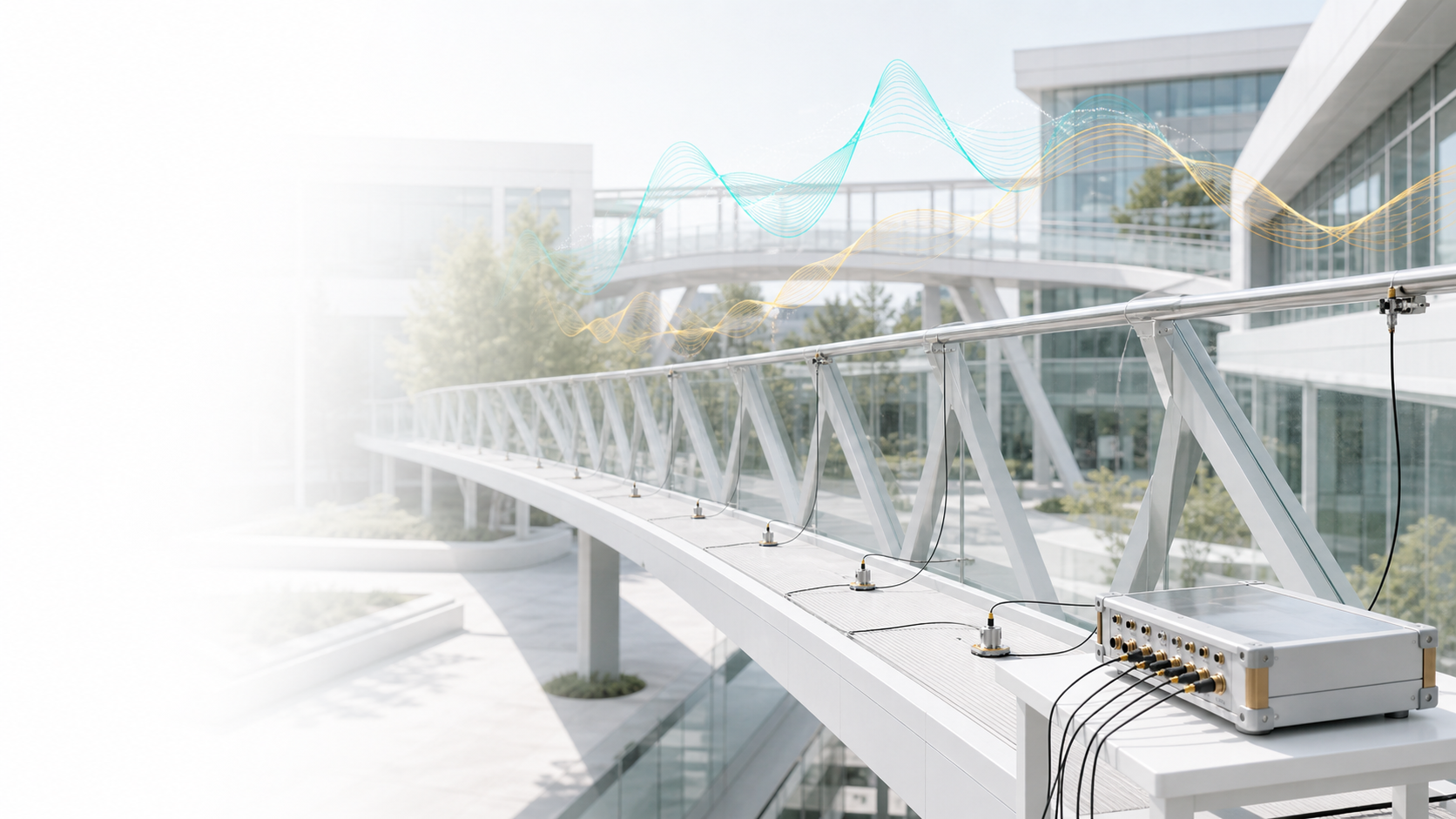

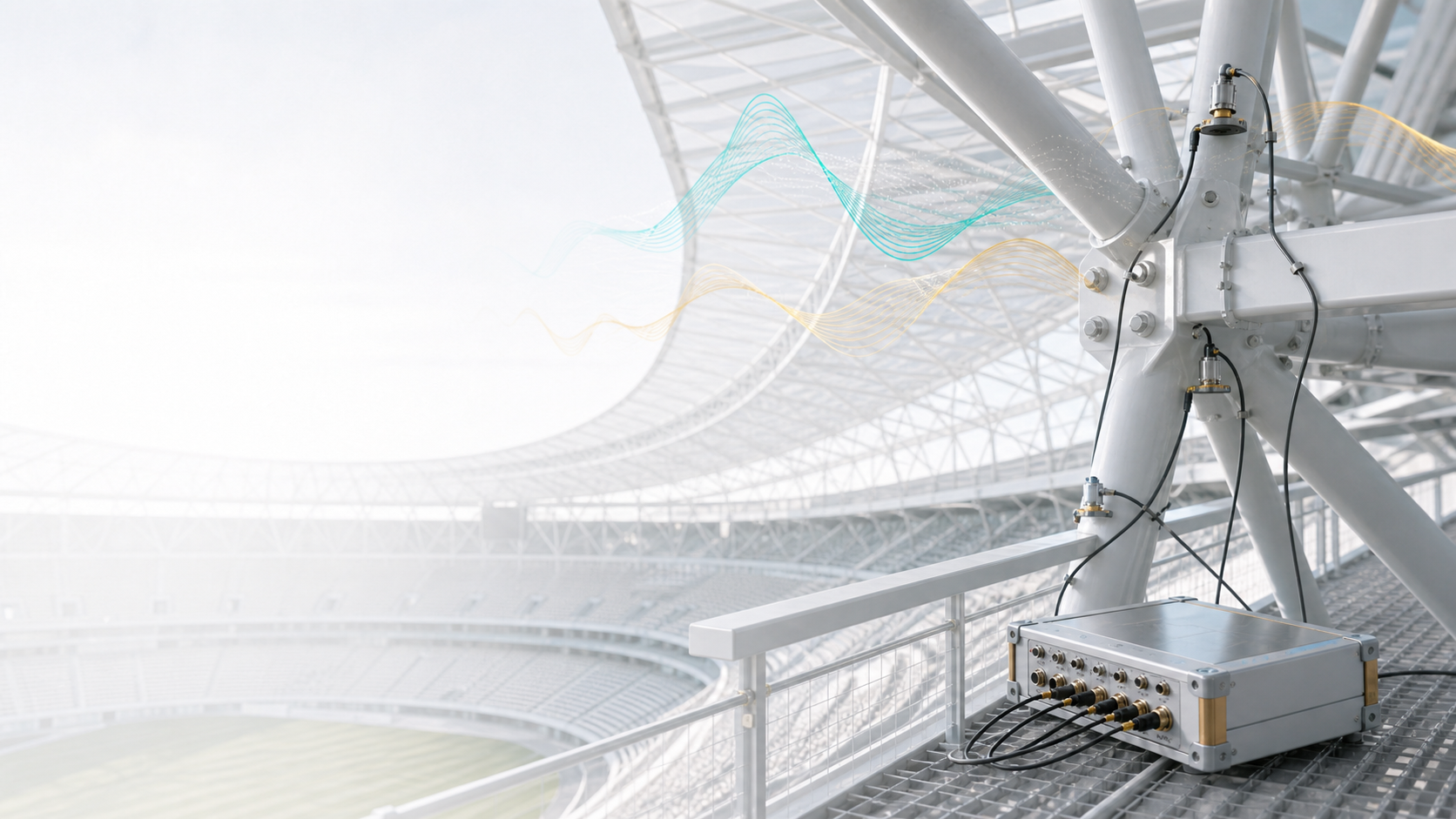
Measurement analysis runs on your Windows computer. Connect to the internet for activation and whenever you start the app. Your existing device credential authorizes subsequent starts automatically; you do not need a new activation code.
Inspect modal diagnostics and retain the analysis settings and available evidence with your project.
Generate structured reports from your analysis results, with project branding.
One active device per licence. After online authorization, a running session can continue through a temporary connection loss within its signed lease, for up to seven days and no later than your licence term ends. Restarting the app requires an internet connection.
Interface and contextual help in English and Turkish. PDF reporting is available in English.
Contact us about technical evaluation, training, and support options.
One-year, one-seat licences for Core, Pro, and Ultimate. Choose manual or automatic annual renewal when you buy. Discount codes are available with either option.
Compare edition features€2,900 / year
The complete essential OMA workflow, from signal preparation to validation and reporting.
€5,900 / year
Additional FDD and SSI methods, uncertainty estimates, and multi-setup workflows.
€11,900 / year
All Pro features, with Deep Estimate included.
Core provides the complete essential OMA workflow. Pro adds advanced methods and validation. Ultimate includes Deep Estimate. HVSR / SESAME and the full-screen 3D Geometry Editor are shared by all three.
Included Not includedPaid add-on sold separately
| Features | Core | Pro | Ultimate |
|---|---|---|---|
| Modal identification | |||
| FDD & EFDD | Included | Included | Included |
| SSI-COV & stabilization diagrams | Included | Included | Included |
| FSDD & CFDD | Not included | Included | Included |
| SSI-DATA, UPC/PC/CVA & SSI-UPCX | Not included | Included | Included |
| Validation & uncertainty | |||
| MAC & AutoMAC | Included | Included | Included |
| Peak quality & harmonic checks | Included | Included | Included |
| Advanced validation: COMAC, CrossMAC & mode quality | Not included | Included | Included |
| Jacobian uncertainty estimates | Not included | Included | Included |
| Engineering workflow | |||
| Measurement import & signal preparation | Included | Included | Included |
| 3D mode visualization & engineering reports | Included | Included | Included |
| Full-screen 3D Geometry Editor | Included | Included | Included |
| PoSER multi-setup workflows | Not included | Included | Included |
| Deep Estimate | Not included | Paid add-on | Included |
| Site characterization | |||
| HVSR analysis | Included | Included | Included |
| SESAME checks & directional analysis | Included | Included | Included |
Core customers cannot purchase add-ons. Deep Estimate is included in Ultimate and is the only add-on available in the launch wave.
Deep Estimate cannot be selected until checkout availability is confirmed. It is included in Ultimate.
Deep Estimate follows Pro’s one-year term and your selected renewal method. A discount code must cover every item in your selection, including the add-on; eligibility is checked before checkout.
Choose manual renewal for one year with no automatic charge, or automatic annual renewal. Paddle confirms the amount, tax, and renewal terms before payment.
Verified academic pricing is 40% below commercial pricing and cannot be combined with another offer.
MEASUREMENT & STRUCTURAL ASSESSMENT
Bring building vibration measurements and structural models into the same engineering review. Explore the Checkup workflow, OMA and SAP2000 model comparison, and guidance for building owners and engineering teams.
Explore Yapı Deprem CheckupWebsite available in Turkish and English.
Get started
Choose the edition that fits your work. Explore the demo first, or contact us for edition guidance and technical support.
Technical evaluations · Edition guidance · Licensing enquiries